Writing by Sean · 34cats
Notes from the workbench.
I write about the apps I build, what broke along the way, and what I learned fixing it. This blog runs on PawPress, my open-source CMS, and you can drive it from a terminal.
5 posts ·3 categories ·built on PawPress
- Project Writeups
- Technology
- Uncategorized
- PawPress
- Next.js
- Lexical
- Supabase
- pawpress CLI
- Markdown
- Project Writeups
- Technology
- Uncategorized
- PawPress
- Next.js
- Lexical
- Supabase
- pawpress CLI
- Markdown
[01] Latest writing
Latest posts

PawDF: I Built an Offline, Local-First Alternative to NotebookLM for Chatting With PDFs
PawDF is a free, open-source desktop app that lets you chat with your PDFs entirely offline using a local Gemma 4 E2B model and llama.cpp. Here's what it does — and why I made the design choices I did.

Resumeow: Build Recruiter-Ready Resumes With LaTeX Precision, Without Writing LaTeX
Resumeow helps you create recruiter-ready resumes with LaTeX-level formatting through a simple, mobile-friendly interface, without writing code or worrying about layout or structure.

PawPress CMS: What I Learned Building a Simple Content System for Real Websites
What I learned building PawPress CMS, a lightweight content system designed around real publishing workflows, clarity, and long-term maintainability without the complexity of traditional CMS platforms.

From Portfolio to Live Apps: Structuring Projects Across Subdomains for Scalability and SEO
How I structured a portfolio, live apps, and technical articles across subdomains to improve scalability, user navigation, and long-term SEO without fragmenting brand authority.

How I Built and Deployed Multiple Production Web Apps Under One Domain
How I structured, deployed, and linked multiple production web apps under one domain to build credibility, scalability, and long-term SEO authority through real, shipped projects.
[02] Build your own
Want a blog like this one? Fork it.
PawPress is the CMS behind this site: Next.js, Supabase and a Lexical editor. It is MIT licensed, so take it and make it yours.
- 01
Rich Lexical editor
A fast, modern editor with images and embeds built in.
- 02
Categories and clean URLs
Organise posts by topic with readable, shareable links.
- 03
Scheduled publishing
Queue posts to go live at exactly the right moment.
- 04
Edit locks
See who else is editing a post before you save over their work.
- 05
Roles: master and admin
Only admins can publish.
- 06
Agent-ready CLI and API
Let coding agents pull, draft, and push posts from the terminal.
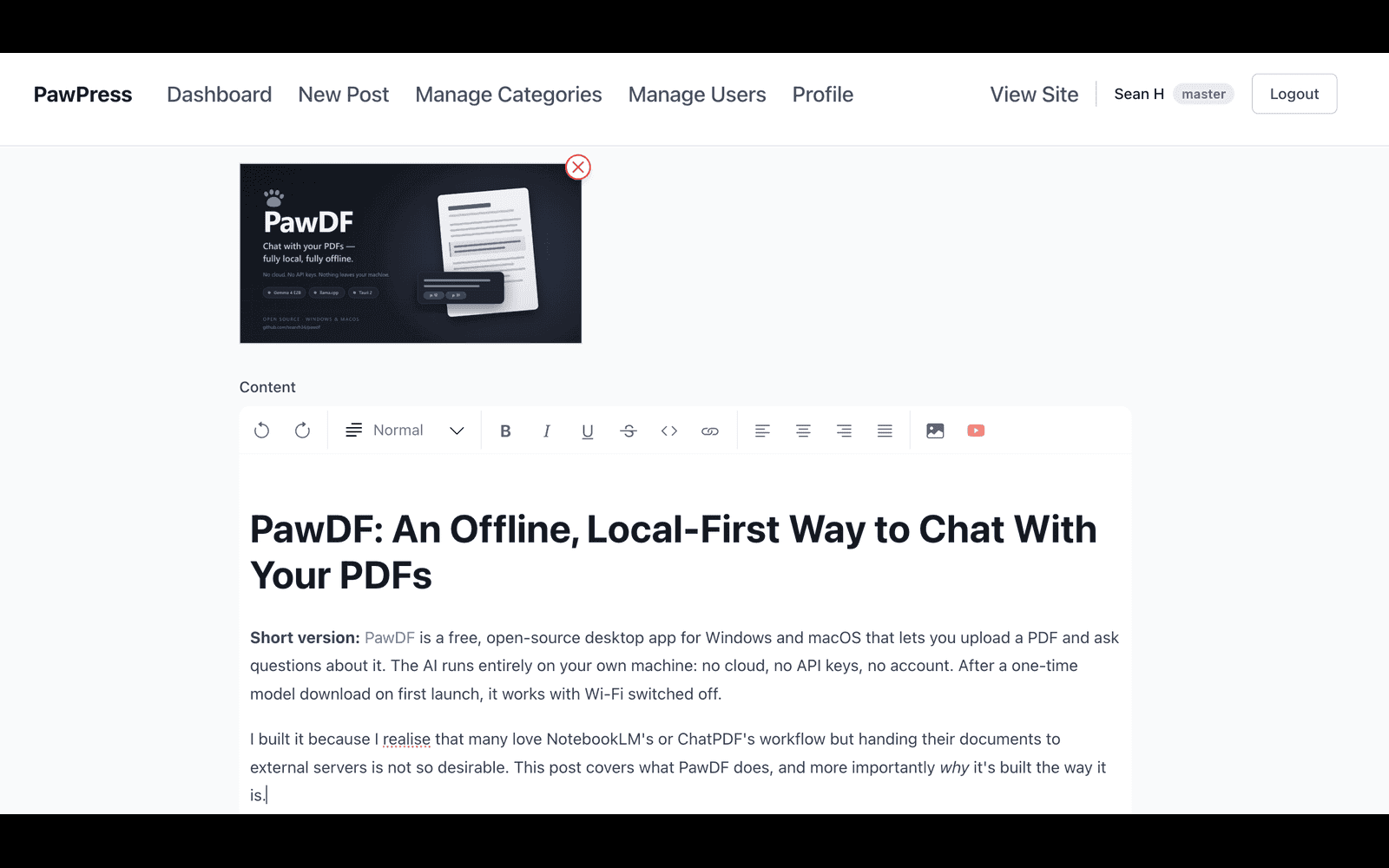
The PawPress editor I use to publish this blog.
[03] pawpress CLI
Write from your terminal. Or let your agent do it.
Posts are Markdown + YAML front matter. A scoped API token, JSON output, and stable exit codes make the CLI safe to hand to AI coding agents.
- Pull → edit → push Markdown
- Scoped, expiring tokens: agents write drafts, humans publish
- Edit locks + conflict detection
- Schedule posts with
--at --jsonoutput and stable exit codes 0-7--dry-runto preview creates, pushes, updates and deletes
# pull as Markdown + YAML front matter (takes an edit lock)pawpress posts pull my-post-slug -o post.mdWrote post.md # open it in your editor and make changes$EDITOR post.md # --write-back refreshes updated_at in the filepawpress posts push post.md --write-backWrote post.mdid: 6f1c…title: My postslug: my-poststatus: draftcategory: newsupdated_at: 2026-10-28T09:12:44.512+00:00# any future ISO-8601 time with an offsetpawpress posts push post.md --at 2027-01-15T09:00:00+08:00 --json# --json output abbreviated{"id":"6f1c…","slug":"my-post","status":"scheduled","published_at":"2027-01-15T01:00:00+00:00", …} # see everything waiting to go livepawpress posts list --status scheduledid status updated_at slug title6f1c… scheduled 2027-01-15T01:00:00+00:00 2026-10-28T09:12:44+00:00 my-post My postpawpress auth status --json{ "user": { "email": "agent@example.com", "role": "admin" }, "token": { "name": "hermes", "scopes": ["posts:read", "posts:write", "media:upload"], "expires_at": "2027-01-31T00:00:00Z" }} pawpress posts create --title "…" --category news --file draft.md --json# --json output abbreviated{"id":"9a2f…","slug":"…","status":"draft", …} # exit code 5 = conflict or locked · 3 = authGet started in 3 steps
Install the CLI
Requires Node.js 20+.
git clone https://github.com/seanrh34/PawPress && cd PawPress/cli && npm install && npm run build && npm linkCreate an API token
In your site's admin under API Tokens (/admin/tokens), pick scopes and an expiry; the token is shown once. For agents, grant least privilege:
Log in
Run this, paste your token when it waits (nothing is shown), then press Enter. The token never lands in your shell history.
read -rs PAWPRESS_TOKEN && printf '%s' "$PAWPRESS_TOKEN" | pawpress auth login --url https://your-site.example[04] Say hello
Got a question about a post, or about PawPress?
Email is the best way to reach me.