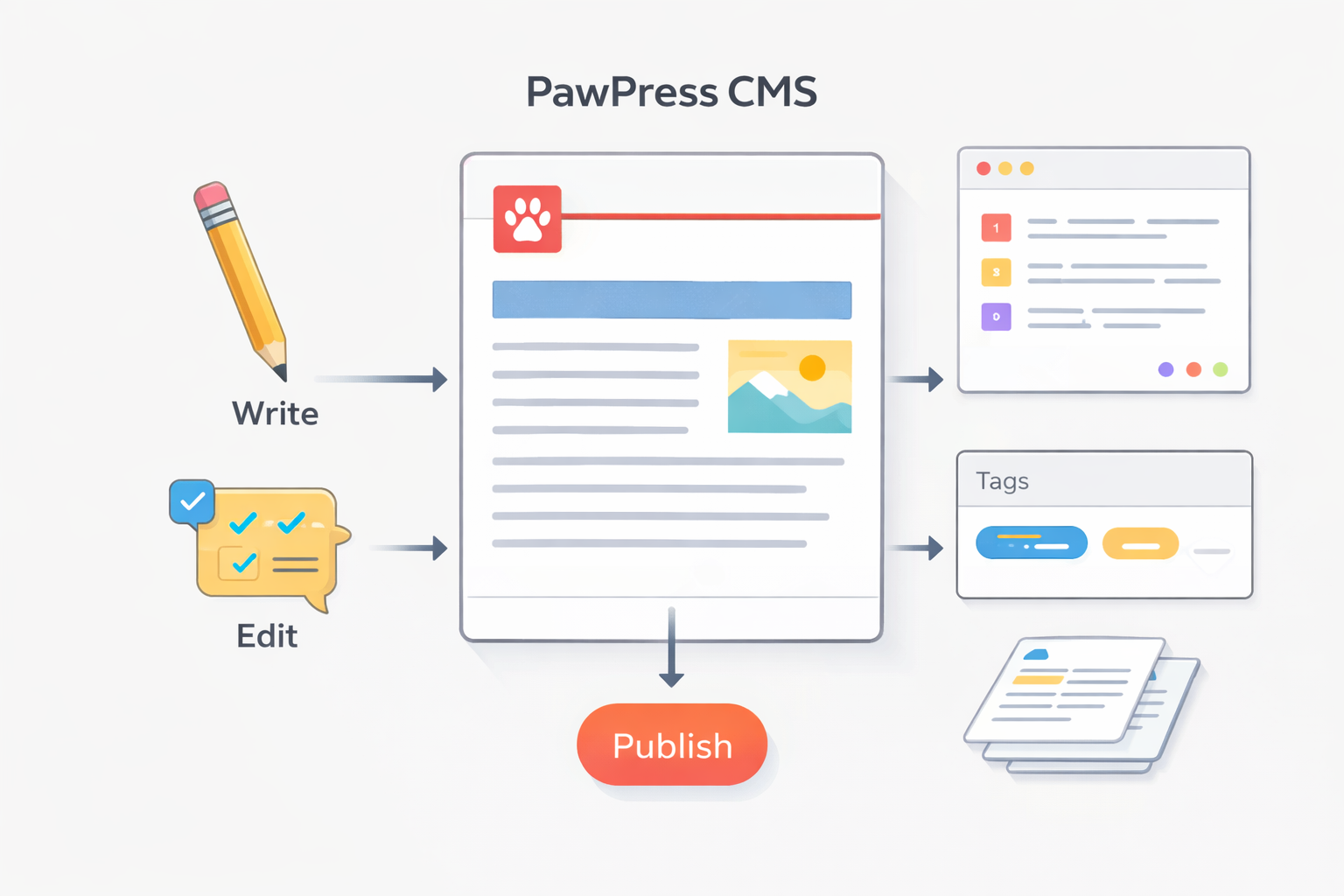
Most websites start with good intentions. A few pages, a blog, maybe a project showcase. Then content grows. Pages multiply, updates become tedious, and publishing starts to feel heavier than it should.
PawPress CMS came from that exact problem. Let me share with you why I built it, what I learned along the way, and how thinking about content management differently can improve both usability and SEO.
Why I Built PawPress CMS in the First Place
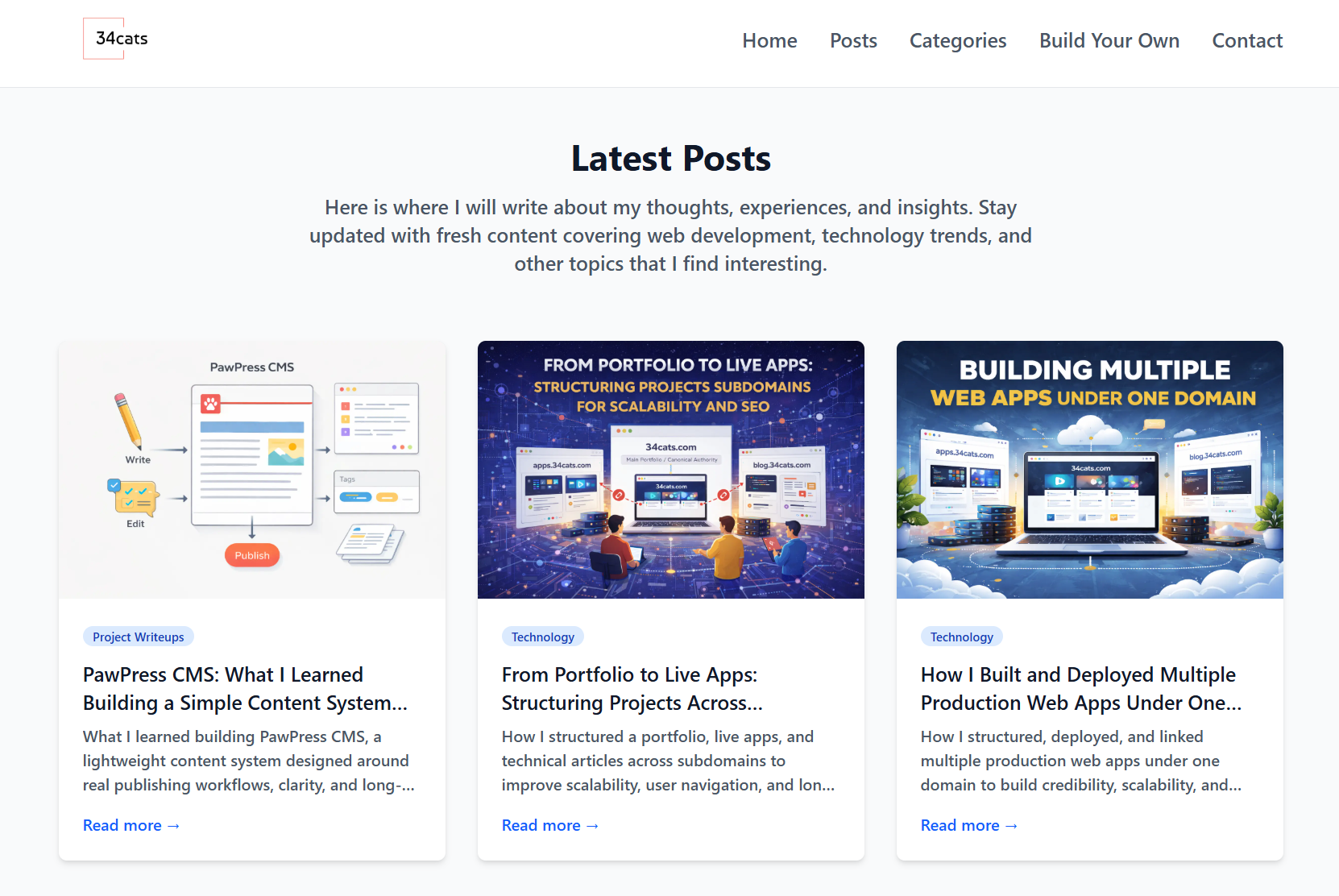 I started out wanting a simple way to publish and manage content across a growing website without fighting the system. Existing tools felt bloated for small projects, while custom setups often became messy over time.
And of course some of the well known ones are great to use, but have monthly costs.
PawPress CMS was my attempt to sit in the middle: simple, flexible, and focused on real usage rather than endless features.
And of course, it is free.
The Problem with “One-Size-Fits-All” CMS Platforms
Many popular content management systems try to do everything.
They support e-commerce, memberships, forums, analytics, and dozens of plugins out of the box. That sounds powerful, but for some people who just want a simple blog, it becomes unnecessary overhead.
For small teams or solo builders, complexity often slows publishing, introduces errors, and makes maintenance harder than it needs to be.
Simplicity Is Not the Same as Being Limited
One of the biggest lessons from PawPress CMS was learning the difference between simple and restricted.
A good CMS does not need hundreds of options. It needs clear structure, predictable behavior, and a workflow that matches how people actually write and update content.
By focusing on core needs, the system becomes easier to understand and by being open-source, you are not restricted to anything.
Content First, Features Second
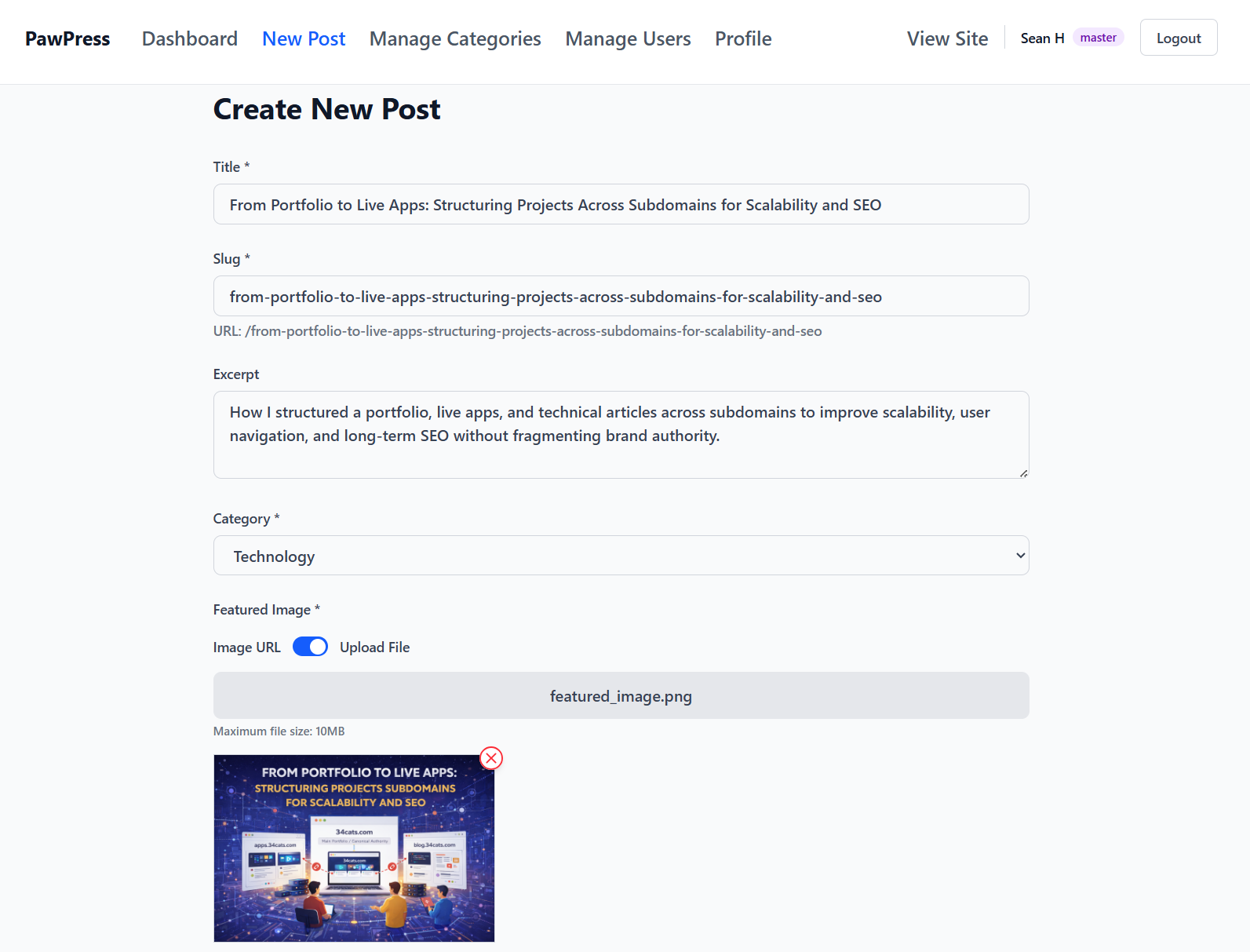 PawPress CMS was designed around content, not configuration.
Instead of asking “what features should this support,” the better question was “how do people think when publishing.” Drafting, editing, previewing, and updating should feel natural.
This mindset influenced everything from page layout to how content is organized internally.
How a Simple CMS Improves SEO Naturally
SEO benefits often emerge from good structure rather than tricks.
A clean CMS encourages consistent headings, predictable URLs, and clear separation between different types of content. This makes it easier for search engines to crawl and understand pages.
More importantly, it helps writers focus on clarity and intent, which ultimately benefits readers and rankings alike.
Managing Content as a Living System
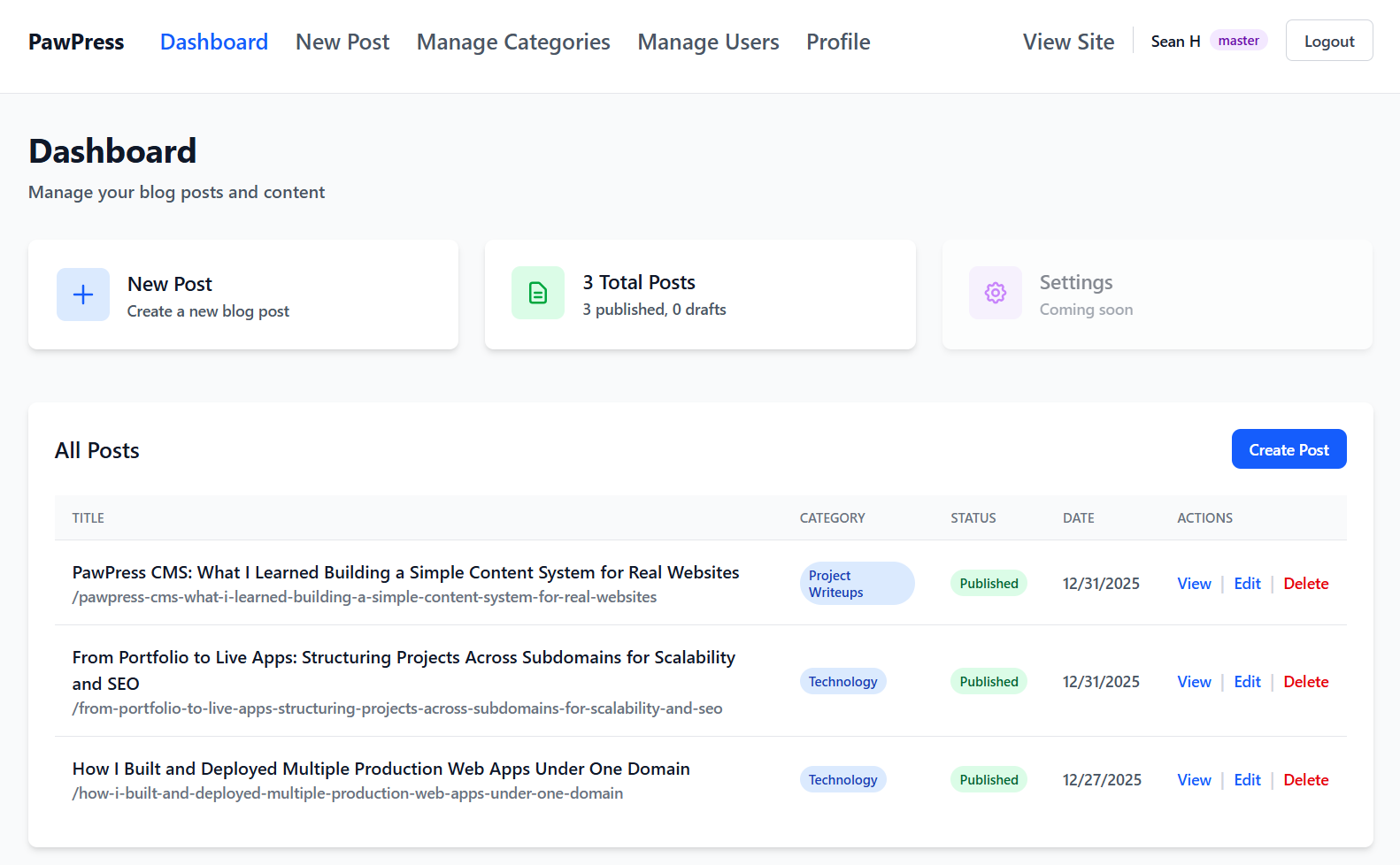 If you want a website users keep coming back to for more content, they cannot be static.
Articles get updated, projects evolve, and navigation changes. A CMS should support this reality instead of making changes feel risky or expensive.
Building PawPress CMS highlighted how important it is for content systems to handle change gracefully, without breaking links or forcing rewrites.
The Relationship Between CMS Design and User Trust
Users may never see your CMS, but they feel its effects.
Well-managed content loads faster, stays up to date, and feels coherent. Poorly managed content feels scattered and unreliable.
A simpler CMS reduces friction behind the scenes, which directly improves the experience for people visiting the site.
When a Lightweight CMS Makes Sense
PawPress CMS is not trying to replace enterprise platforms.
It makes sense when:
- You manage a personal site, portfolio, or small content hub
- You prefer clarity over feature overload
- You want a framework for something great
In these cases, simplicity becomes a competitive advantage.
The Cost Factor of Content Management Systems
While many established CMS platforms exist out there, they tend to cost you for full access and hosting on your own domain.
PawPress on the other hand, costs you nothing other than the cost of your own domain if you need it.
Otherwise, just pick your favourite hosting site like Vercel or Cloudflare, and with some basic understanding of code and GitHub repos, you can host your very own CMS-supported blog site for completely free.
Lessons I Would Apply to Any Content System
Even if you never use PawPress CMS, the lessons apply broadly.
Start with content needs, not tools. Design for change, not just launch. Keep structure predictable. Document decisions. And resist adding features unless they solve a real problem.
These principles matter more than the platform itself.
Final Thoughts on Building PawPress CMS
PawPress CMS taught me that content systems do not need to be complicated to be effective.
By prioritizing real workflows, clear structure, and simplicity, it is possible to build something that serves both writers and readers well. In many cases, less really is more, especially when it comes to costs.
That mindset now shapes how I think about every website I build. If you would like to know more about linking your web apps together, take a look at this article!